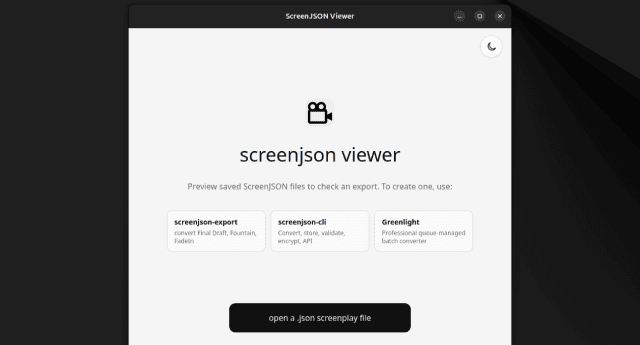
What it is
The Desktop Viewer is the installable ScreenJSON reader for desktop systems. It packages the same screenplay rendering engine used on the web into a native Tauri app so a screenplay can be opened locally on Windows, macOS, or Linux without relying on a browser tab or hosted session.
It uses @screenjson/ui for pagination, rendering,
validation, language switching, and encrypted text handling.
Platforms
- Windows
- macOS
- Linux (AppImage)
What it does
- Opens local
.jsonScreenJSON files directly from the OS - Rejects invalid JSON and non-ScreenJSON files with clear errors
- Prompts for passwords on encrypted scripts and decrypts in memory
- Preserves a paper-style screenplay layout on larger screens
- Supports dark and light mode, zoom, and system print
Install
git clone https://github.com/screenjson/screenjson-viewer.git
cd screenjson-viewer
npm install
The viewer now installs @screenjson/ui from npm as a normal dependency.
Desktop development
Before running the desktop shell, install the standard Tauri prerequisites for your OS: Rust, Node.js, and the native WebView/build dependencies.
npm run tauri:devThe Vite dev server starts on http://localhost:1420 and the Tauri window
opens against it.
Build for release
npm run tauri:buildDesktop bundles are emitted under src-tauri/target/release/bundle/, including
Windows packages, macOS bundles, and Linux .deb, .rpm, and .AppImage
artifacts.
When to use it
Use the Desktop Viewer when you need an installable local reader for review, archive access, internal circulation, or any workflow where a screenplay should open like a native document rather than inside a CMS page.